The expensive quiet failure
You can pay for a redesign, feel proud of the result, and still see the same number of calls at the end of the month. That’s not because “websites don’t work” or because you need even nicer photos. It’s because your site is where curiosity turns into action, and small points of friction kill action fast. If 200 people visit and only 2 reach out, that’s not a branding issue—it’s a revenue leak. For a local service business, even a few missed leads per week can mean thousands of dollars left on the table.
Most owners blame the obvious stuff: the colors, the hero image, the vibe. The real issue is usually invisible unless you watch how a stranger moves through the page on a phone. They scroll, hesitate, click something that isn’t what they expected, and bounce. Your site “looked premium,” but it didn’t feel like an easy yes. Conversion is what happens when clarity, trust, and a low-effort next step all show up at the same time.
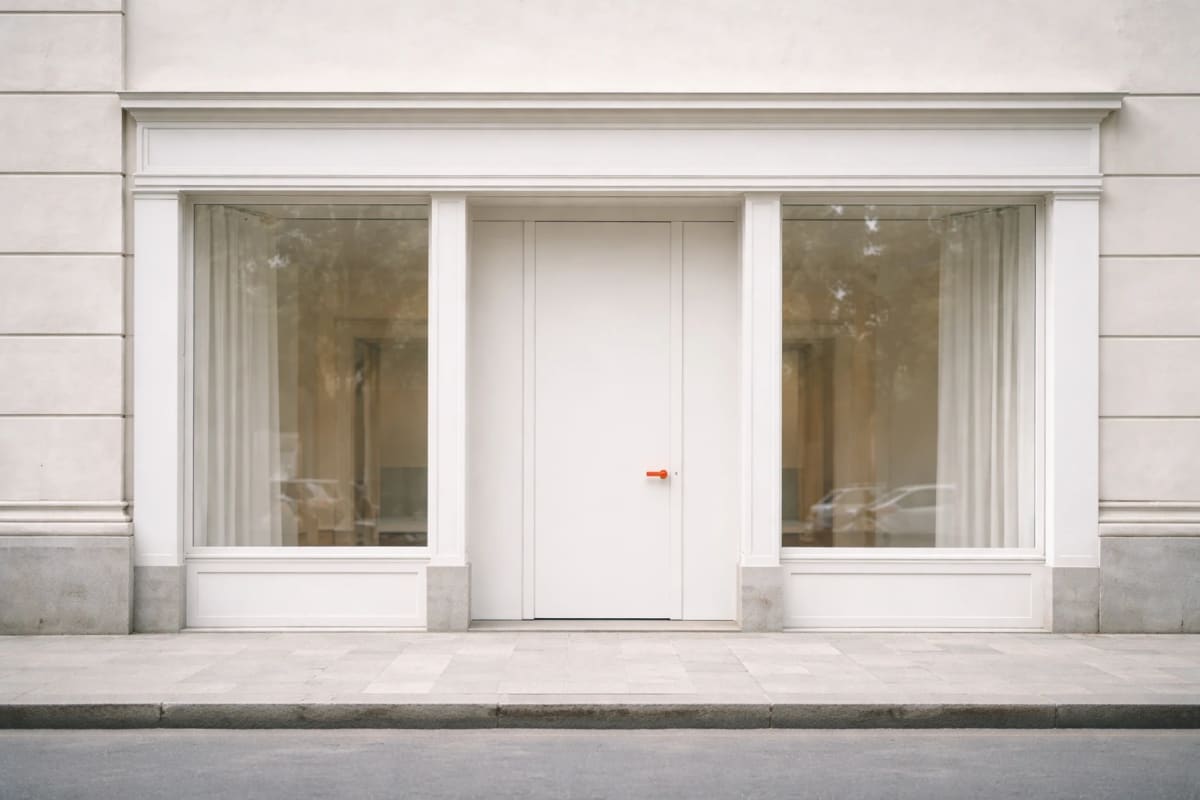
Here’s the comparison we come back to: a beautiful website is like a beautifully designed storefront, while a converting website is that same storefront with clear signage, friendly staff, and a checkout that works. One gets compliments; the other gets customers. When a site doesn’t convert, it usually isn’t one big broken thing. It’s five small frictions stacked together, and each one quietly trims your response rate.
Why it matters in 2026
In 2026, the bar for relevance is higher, and people are less patient with ambiguity. Across marketing channels, the shift is away from broad “everyone in my area” messaging and toward intent and signal-based targeting—meaning people expect the page they land on to match what they were looking for. When your website doesn’t quickly confirm “yes, you’re in the right place,” visitors don’t keep investigating. They just hit back and choose the next business. This is especially true on mobile, where attention is shorter and friction is more punishing.
Trust is also behaving like a conversion feature, not a brand nice-to-have. Transparency about who you’re for, what you do, and what you won’t do reduces doubt and cuts down the mental work required to contact you. Optimum Media put it bluntly: setting boundaries doesn’t shrink your audience the way owners fear; it often increases opt-in because people feel safer with specifics. A pretty site that avoids specifics to “appeal to everyone” often ends up convincing no one. Clarity is what makes premium design actually pay off.
Local businesses have another 2026 headwind and tailwind at the same time: local credibility is being rewarded more strongly. Google’s February 2026 Discover update explicitly moved toward more locally relevant content and more in-depth, original work from sites that demonstrate real expertise. You can read Google’s own wording in their update notes here. That matters for conversions because the same local specificity that helps you get found also helps a visitor believe you’re the right choice. A generic “Serving Your Area” page doesn’t build confidence the way real, verifiable local detail does.
Premium look vs clear offer
The most common conversion problem we see is simple: the site looks like a premium brand, but nobody can tell what to do next or why it matters. Visitors don’t arrive thinking, “I’d like to admire a nice interface.” They arrive thinking, “Can you solve my problem, how much hassle will it be, and can I trust you?” If the page leads with atmosphere instead of answers, people feel lost even when the design is gorgeous. That confusion shows up as scrolling with no clicks, or clicking random menu items because the main point wasn’t stated.
Owners often say, “But we explained everything on the Services page.” The trouble is that most visitors won’t make it to the Services page unless the first screen already matches their intent. A strong offer is plain language: what we do, who it’s for, and what happens after you contact us. It’s also a small amount of information presented in the right order. If your headline could fit on any competitor’s website, it’s probably not doing conversion work.
There’s an easy gut-check we use: would a 17-year-old understand what this page offers in five seconds and know what to click? If the answer is no, you’re relying on patience you won’t get. And if your visitor came from a targeted ad or a specific Google search, you’re also risking mismatch—your messaging has to reflect the reason they clicked. Precision marketing only works when the landing page is equally precise.

Above-the-fold decision speed
The first screen on mobile is where most conversions are won or lost, and it’s where beautiful sites often underperform. Designers love big hero sections, subtle text, and lots of whitespace. Those can be fine, but not when the actual meaning is buried. If someone has to scroll to find proof, pricing context, service area, or the way to contact you, you’re asking them to work too hard. People don’t mind reading; they mind searching.
We like to compare two versions of the same homepage. Version A: a large image, a vague headline, and a menu with six choices. Version B: a plain headline that names the job, a short line that says who it’s for and where you work, and one primary button that says exactly what happens next. Version B often converts better even if it “looks” less creative, because it respects the visitor’s time. Conversion usually rewards the site that’s easier, not the one that’s prettier.
One fast fix is to make the first screen answer four questions without scrolling: what do you do, who is it for, where do you do it, and what should I do now. This is also where video can help, but only if it supports clarity instead of distracting from it. Some landing page datasets have found video backgrounds can lift conversion dramatically—one often-cited figure is a 138% higher conversion rate compared to pages without. The key is that the video must reinforce the offer and trust, not slow the site down or obscure the message.
Pretty is what people notice. Clear is what makes them act.
Call-to-action hierarchy breaks
Another invisible failure is when the site gives visitors too many “next steps,” so they take none. Owners want to be helpful, so they add buttons for “Learn More,” “Our Services,” “Get a Quote,” “See Pricing,” “Contact,” and “Book Now” all above the fold. The visitor’s brain reads that as, “This is complicated,” even if your service isn’t. Decision overload creates hesitation, and hesitation kills conversion.
High-converting pages usually have one primary action and a couple of secondary options that don’t steal attention. For a local service business, the primary action is often “Call now” or “Request an estimate,” with a secondary option like “See reviews” for credibility. If you want to offer booking, make sure it’s actually the fastest path—not just another thing to maintain. When you don’t choose a primary action, the visitor has to choose for you, and they usually choose the back button.
We also see call-to-action text that’s too generic to build momentum. “Submit” and “Send” don’t tell people what they’re getting. Stronger buttons reduce uncertainty: “Get a callback in 10 minutes,” “Request a same-day quote,” or “Check availability.” That’s not hype; it’s clarity about the outcome. When you make the next step feel concrete, you make it feel safer.
- Pick one main action per page and repeat it in the same wording.
- Use outcome-based button text so people know what happens after the click.
- Keep secondary actions supportive, like reviews, service areas, or a short “how it works.”
- Make phone and form options obvious without forcing people to hunt through menus.
Mobile performance is conversion
“The site loads for me” isn’t the same as “the site loads for customers.” A lot of premium-looking sites are heavy: big images, video, fancy animations, and plugins stacked on plugins. On a strong office connection, it seems fine. On a phone in a parking lot or a jobsite, it can be sluggish, jumpy, or partially broken. And when the page stutters, trust drops—people assume your business operations might be just as messy.
Poor mobile performance also creates accidental friction. Tap targets are too small, sticky headers block buttons, and popups cover the phone number. Even worse, the site can look different on common devices than it does on the designer’s monitor. If your next step is “Call,” but the number isn’t clickable, you’re forcing a copy-and-paste moment that a lot of people won’t bother with. It’s like putting your front door handle three inches too high—technically functional, practically annoying.
Forms and booking friction
If your website has traffic but not leads, your form is a prime suspect. Owners often treat forms like intake paperwork: full name, company name, full address, budget, timeline, “how did you hear about us,” and a giant message box. That’s great information—after the customer trusts you. Before trust, it’s just work. Every extra field is another moment where someone can decide, “I’ll do this later,” and later never comes.
There’s good evidence that shorter forms convert better. One commonly reported benchmark is that about four questions tends to be the sweet spot for conversion, and some marketers argue that only name and email are truly essential while everything else is “nice to have.” For many local services, we’d add phone number because speed matters, but we still keep the form lean. If you need details, you can gather them after the initial contact, when the prospect is already engaged.
The other problem is what happens after the form. If the confirmation page is vague, or if people don’t get a fast reply, they assume the message disappeared into a void. This is where automation can help in a practical, non-annoying way: immediate confirmation, routing to the right person, and a clear expectation for response time. The goal is to make the customer feel taken care of the moment they reach out, not two days later when you finally see the email.
- Cut the form to 3–5 fields and move “nice to know” questions to follow-up.
- Make the response expectation explicit like “We’ll call within 15 minutes during business hours.”
- Add a second contact option such as tap-to-call for people who hate forms.
- Confirm instantly with a clear message so they know it worked.
Trust signals people need
A good-looking website can still feel risky if it doesn’t prove anything. Local service buyers are making a small bet: will you show up, do decent work, and charge what you implied? If the site doesn’t reduce that risk, they’ll keep shopping. This is why “we’re passionate about service” copy doesn’t move the needle the way specific proof does. People want receipts, not adjectives.
Social proof is one of the most reliable trust builders because it’s not you talking about you. There’s a widely shared stat that adding social proof elements like testimonials and reviews can increase conversions by 34%. Even if your results vary, the direction is consistent: proof helps. The mistake is hiding reviews on a separate page or using testimonials with no names, no locations, and no details. Vague praise feels fake, even when it’s real.

- Reviews where decisions happen, not buried in a menu.
- Real specifics in testimonials: the problem, the outcome, the area served.
- Clear expectations about timing, process, and what happens after contact.
- Visible proof of legitimacy like licensing, insurance, or guarantees when applicable.
Local credibility beats generic
“Serving Austin and surrounding areas” is not a credibility builder anymore. In 2026, local relevance is being rewarded more strongly by platforms, and customers are also better at spotting generic copy. The strongest local pages sound like someone who actually works there: neighborhoods you serve, common local problems, and details that are hard to fake. A good example from local SEO analysis is a roofing company that doesn’t just say “Austin roofing,” but mentions Texas hail patterns in specific neighborhoods and references local building realities. When visitors see that, they think, “Okay, they actually do this here.”
This isn’t about stuffing city names everywhere. It’s about reducing uncertainty by showing you understand the customer’s context. If you’re an electrician, that might be older home wiring in certain areas. If you’re a med spa, it might be how you handle downtime before local events and weddings. The more “real” your page feels, the less your visitor has to guess whether you’re the right fit. Guessing is friction.
Local credibility also ties back to how people find you. Google has explicitly said it’s showing more locally relevant content based on the user’s country and prioritizing more in-depth, original work. When your website is both locally specific and conversion-ready, you get a double win: you’re easier to discover and easier to choose. That’s how a redesign turns into measurable leads instead of just a nicer homepage.
A simple audit you’ll use
You don’t need stakeholder debates about whether the green should be a different green. You need a short, repeatable way to spot where visitors hesitate and then fix one thing at a time. When we’re diagnosing a “beautiful but not converting” site, we look for the first friction point, not every possible improvement. One fix that removes a major hesitation can outperform ten micro-tweaks. The goal is not perfection; it’s momentum.
Start with a five-minute first-impression test. Put your website on a phone, hand it to someone who doesn’t know your business well, and ask them to answer three questions: what do we do, who is it for, and what would you click next. Don’t explain anything. If they hesitate or guess wrong, your above-the-fold messaging and call-to-action hierarchy need work, regardless of how good the site looks. This test is simple, but it’s brutally honest.
Then use evidence from real behavior, not opinions. Look at the numbers that tell you if the business is actually moving—calls, form fills, quote requests, booking completions—and compare them to how many people visited key pages. If you have access to session replays, watch ten visits to your main service page and your contact page and write down where people stop. Finally, if you test changes, test one friction at a time: a clearer headline, a shorter form, or more visible reviews. When you change five things at once, you’ll never know what actually helped.
Fix the one thing that makes people hesitate, then repeat.
What to do this week
If your site looks great but conversions are flat, we’d treat it like a customer journey problem: clarity first, trust second, friction last. This week, pick your top-money page—usually your homepage or your main service page—and rewrite the first screen so it answers what you do, who it’s for, where you serve, and what happens next. Then make one primary button impossible to miss on mobile, and remove competing buttons that steal attention. Finally, cut your contact form down to the minimum and add one strong proof element near the button, like a short review snippet with specifics.
If you want help beyond DIY edits, our custom website design is built to rank in local search results and to guide visitors toward a clear next step without confusion. If your bottleneck is slow follow-up, our AI automation can send instant confirmations, route requests to the right person, and keep leads from sitting in an inbox. And if you miss calls while you’re on jobs, our AI voice receptionist answers inbound calls for your business, captures details, and makes sure opportunities don’t disappear into voicemail. None of these are “nice to have” if your site is acting like a brochure instead of a sales tool.
Your action for this week: reply to your own website like a customer would. Call your number after hours, submit your form, and see what happens in the first five minutes. If the experience feels slow, unclear, or uncertain, reach out to us and we’ll recommend the single highest-impact fix—either rebuilding the page for clarity with our custom website design, or tightening response time with our AI automation or AI voice receptionist.